

Tags describe context
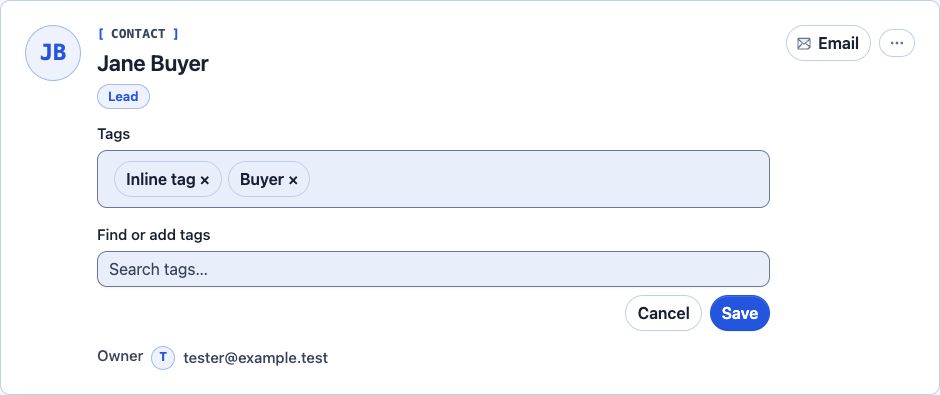
Add tags to a contact to capture useful labels. In the tag editor, search for a tag, choose it, and save the edit. Remove a tag from the contact when it no longer applies. Tags can describe context such as a source or interest; they do not grant permission to email someone.
Segments select contacts
Open Contacts → Segments to create a group with rules. Contacts match the group based on those rules. You do not need to maintain each match by hand. Test the rules with sample contacts before using the segment.
Subscription lists record communication choices
Email lists track which messages someone has agreed to receive. A tag or segment does not undo an unsubscribe. Sending rules still apply to each contact.
A campaign can combine a subscription list with supported filtering. Being selected by a segment is not consent. Review the eligible audience before sending.